
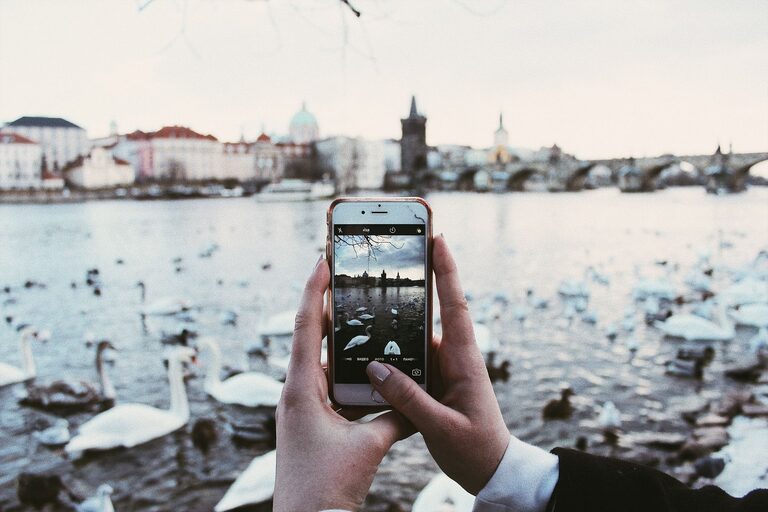
Taking great photos with your phone is easier than you think. With a bit of practice and some helpful tips, you can capture beautiful images to share with friends or keep as memories. This guide covers essential beginner tips to help you take better phone photos, no matter your experience level.
Understand Your Phone Camera
Before diving into techniques, it’s important to familiarise yourself with your phone’s camera features.
Explore Settings and Modes
Most smartphones offer various camera modes such as portrait, panorama, night mode, and more. Spend some time exploring these options to understand which mode suits different situations.
Use the Highest Resolution
Ensure your camera is set to the highest resolution available. Higher resolution photos contain more detail and offer greater flexibility if you want to crop or edit later.
Focus on Lighting
Lighting can make or break a photo. Good lighting helps to create clear, vibrant images.
Use Natural Light Whenever Possible
Natural daylight is often the best light source for photos. Try to shoot outdoors or near windows during the day.
Avoid Harsh Midday Sun
Midday sun can create harsh shadows and overly bright highlights. Early mornings or late afternoons—often called the “golden hours”—provide softer and warmer light that generally produces more appealing photos.
Be Careful with Flash
Phone flashes can make photos look flat or washed out. Use flash sparingly, and if possible, rely on natural or ambient light instead.
Composition Basics
How you frame your shot is key to making your photos interesting.
Use the Rule of Thirds
Most phone cameras have a grid option to help with composition. Imagine your image divided into nine equal parts by two horizontal and two vertical lines. Place key elements along these lines or at their intersections to create balance and draw viewers’ attention.
Keep Your Horizon Straight
A tilted horizon can distract from your photo. Use gridlines to align horizons or architectural lines so your photos look neat and professional.
Simplify Your Scene
Too many objects can clutter a photo. Focus on a clear subject and minimise background distractions to make your main subject stand out.
Get Close and Fill the Frame
Phone cameras often have wide lenses that capture a broad scene but can make your subject look small. Move closer or zoom slightly (digitally, if no optical zoom is available) to fill the frame with your subject.
Use Focus and Exposure Tools
Most phones allow you to tap the screen to focus on a specific point. This also adjusts the exposure (brightness) automatically.
Lock Focus for Steady Shots
If you’re photographing a still subject, tap and hold on the screen to lock focus and exposure. This prevents the camera from refocusing or changing brightness mid-shot.
Adjust Exposure Manually
On many phones, you can slide your finger up or down after tapping to increase or decrease brightness as needed.
Keep Your Lens Clean
It’s easy for phone lenses to gather fingerprints or dust, which can blur your photos. Regularly wipe your lens gently with a soft cloth.
Hold Your Phone Steady
Blurry photos often result from shaky hands.
Use Both Hands
Hold your phone with both hands and keep your elbows close to your body for better stability.
Lean on a Solid Surface
If possible, rest your phone or yourself against a stable surface to reduce movement.
Use a Timer or Remote Shutter
To avoid camera shake when pressing the shutter button, use the timer function or a remote shutter if available.
Experiment with Angles and Perspectives
Don’t just shoot from eye level. Try different angles such as low (ground level), high (above your subject), or close-up for creative and interesting photos.
Edit Your Photos
Editing can enhance your photos after you take them.
Use Built-in Editing Tools
Most phones come with basic editing options like cropping, brightness, contrast, and filters. These simple adjustments can significantly improve your images.
Avoid Over-Editing
Enhance your photos subtly to keep them natural and true to the moment.
Practice Regularly
As with any skill, practice is essential to improve. Take photos often and review your shots to see what works well and what can be improved.
—
By following these beginner tips, you’ll be able to confidently take better phone photos and enjoy the process of capturing your world beautifully. Happy shooting!